
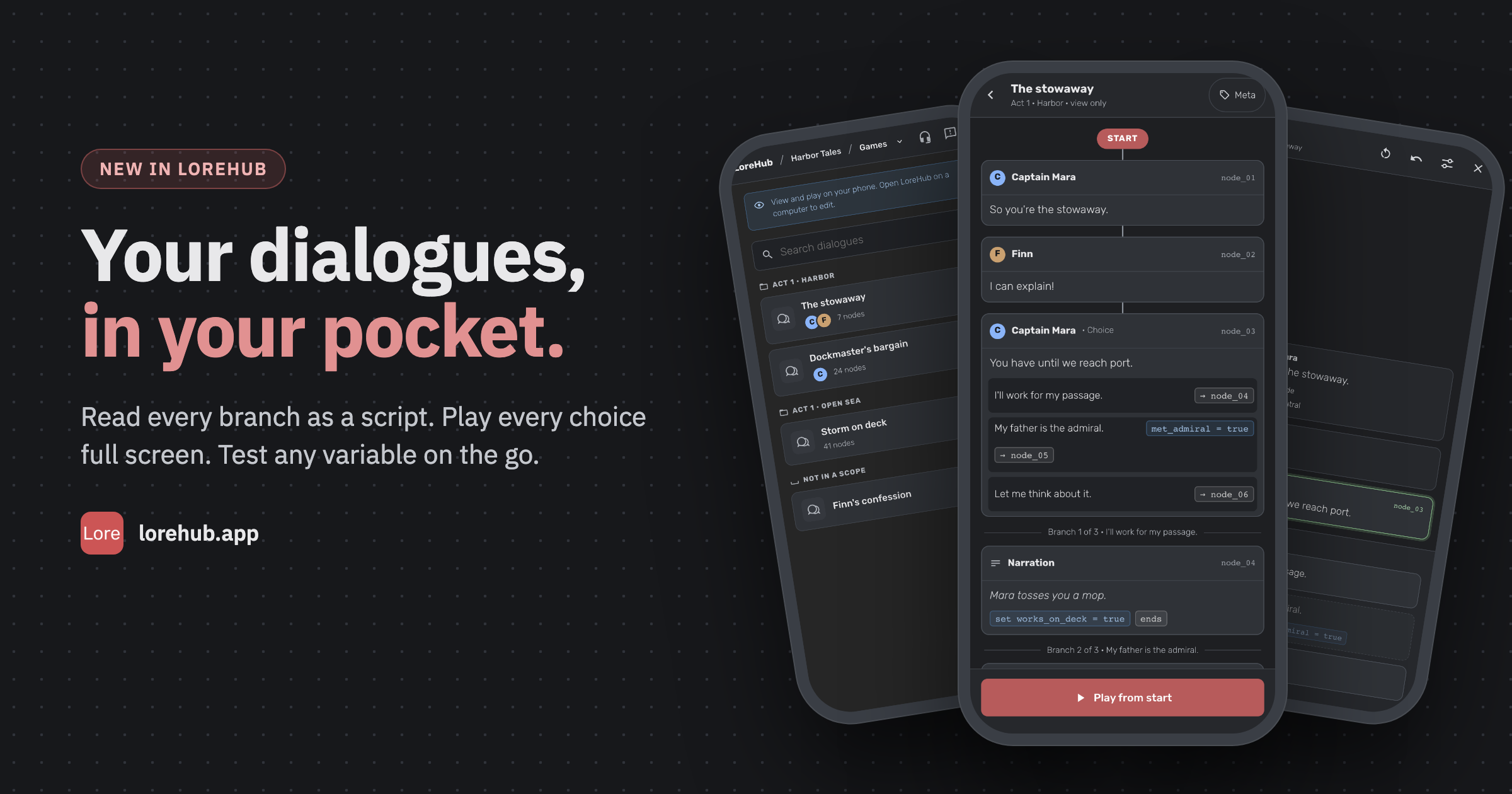
Read and play your dialogues on your phone
The canvas is made for a big screen, but a dialogue often gets read somewhere else: on the train, at a table read, or on the way to a meeting with the voice director. Now, when you open LoreHub on a phone, you get a viewer made for it: your dialogues laid out as a script you can scroll, and the player full screen.
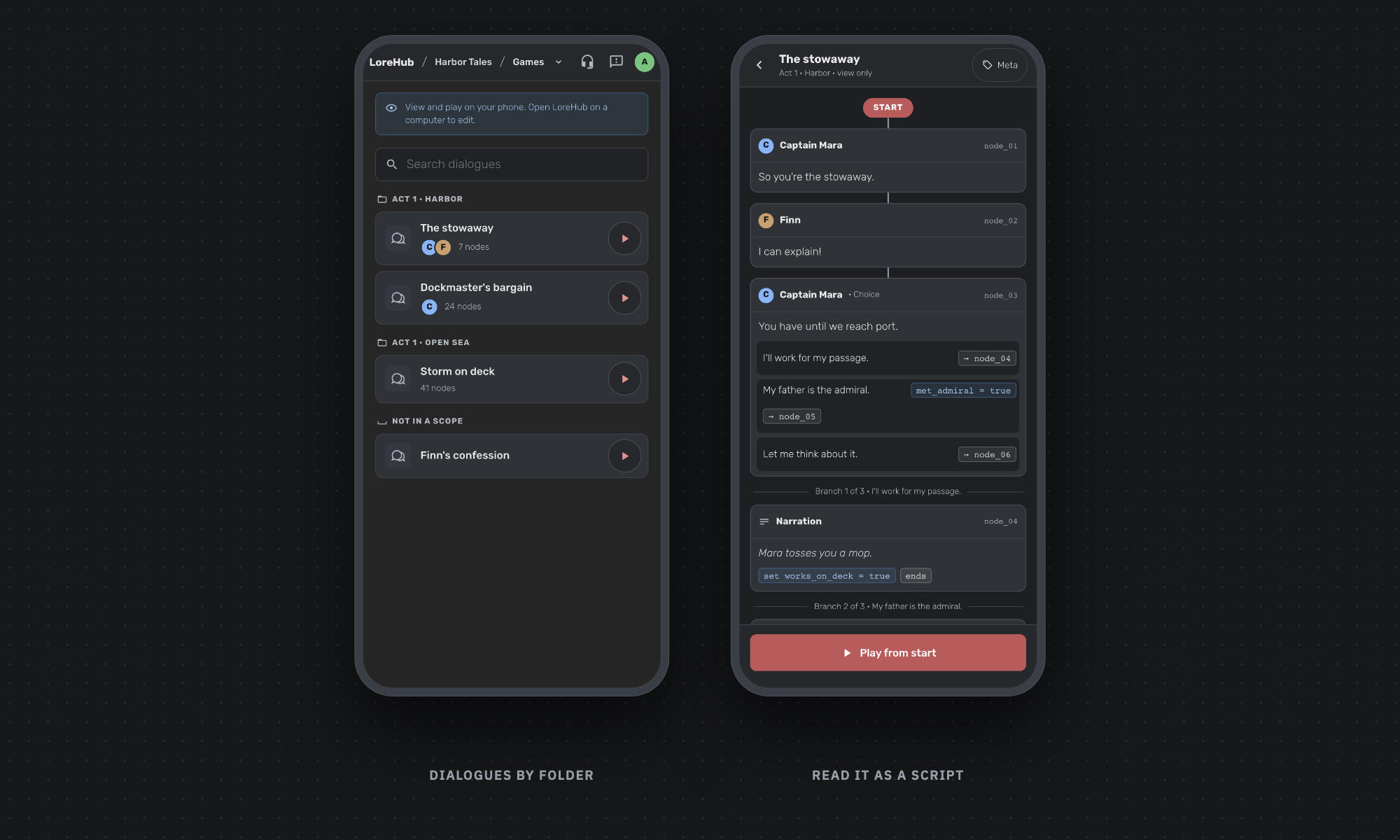
Your dialogues, by folder
The game page lists every dialogue in the scope folders you set up on a computer, like Act 1 · Harbor, with the characters who speak in it. Search by name, tap a row to read the dialogue, or tap the play button to start it straight away.
A dialogue you can read like a script
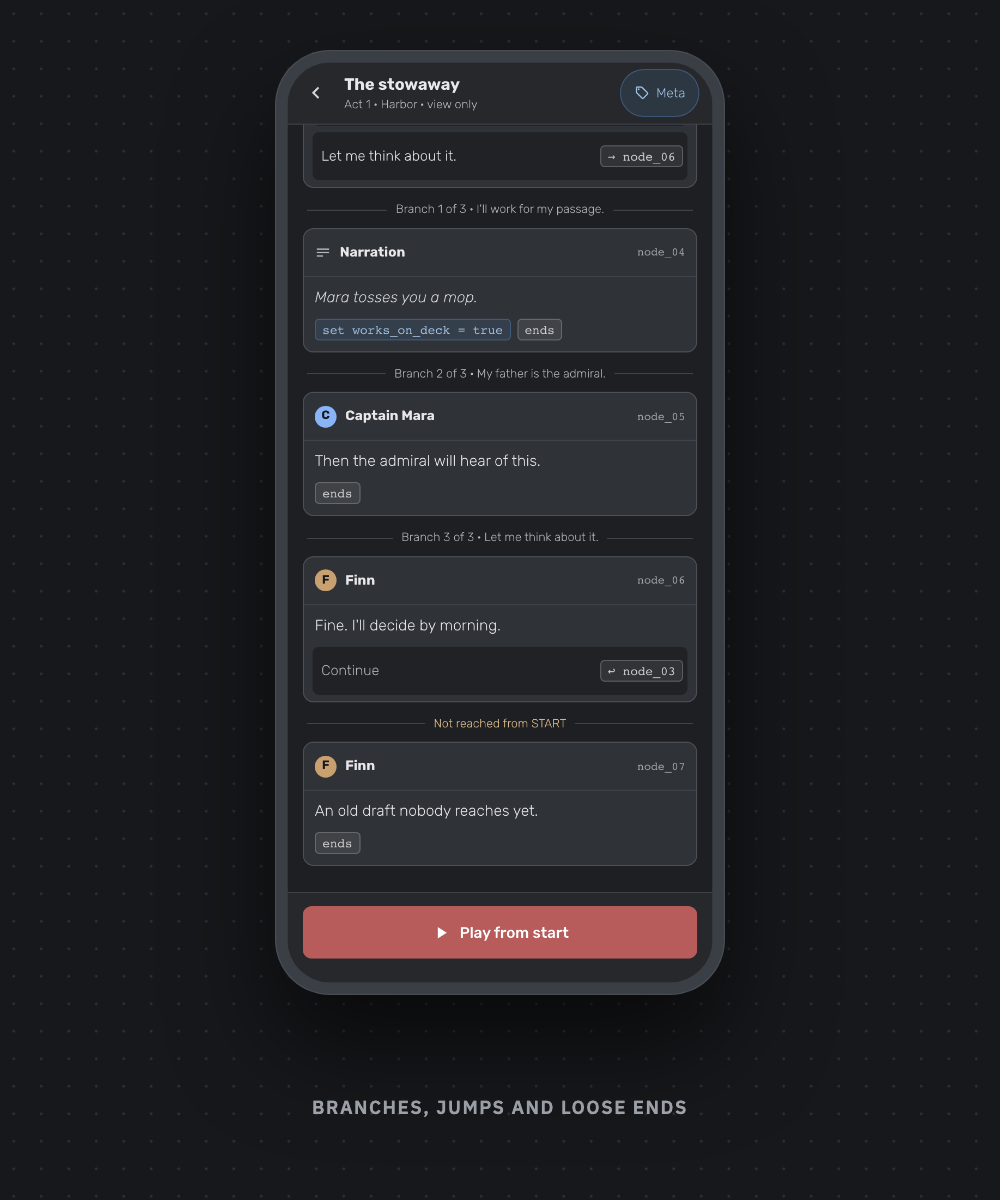
Open a dialogue and it starts at START and follows its links top to bottom, each node once. Every option shows where it leads, and tapping → node_04 scrolls you there. Conditions, set variables and the end of each route show as chips, and Meta adds each node's meta data, like camera = wide.
When a choice splits the dialogue, each branch follows under a divider that names the option that leads to it. A link back to an earlier node shows as a jump instead of repeating the node, and nodes nothing reaches yet come last, under Not reached from START, so a forgotten line can't hide.
Play it, test it
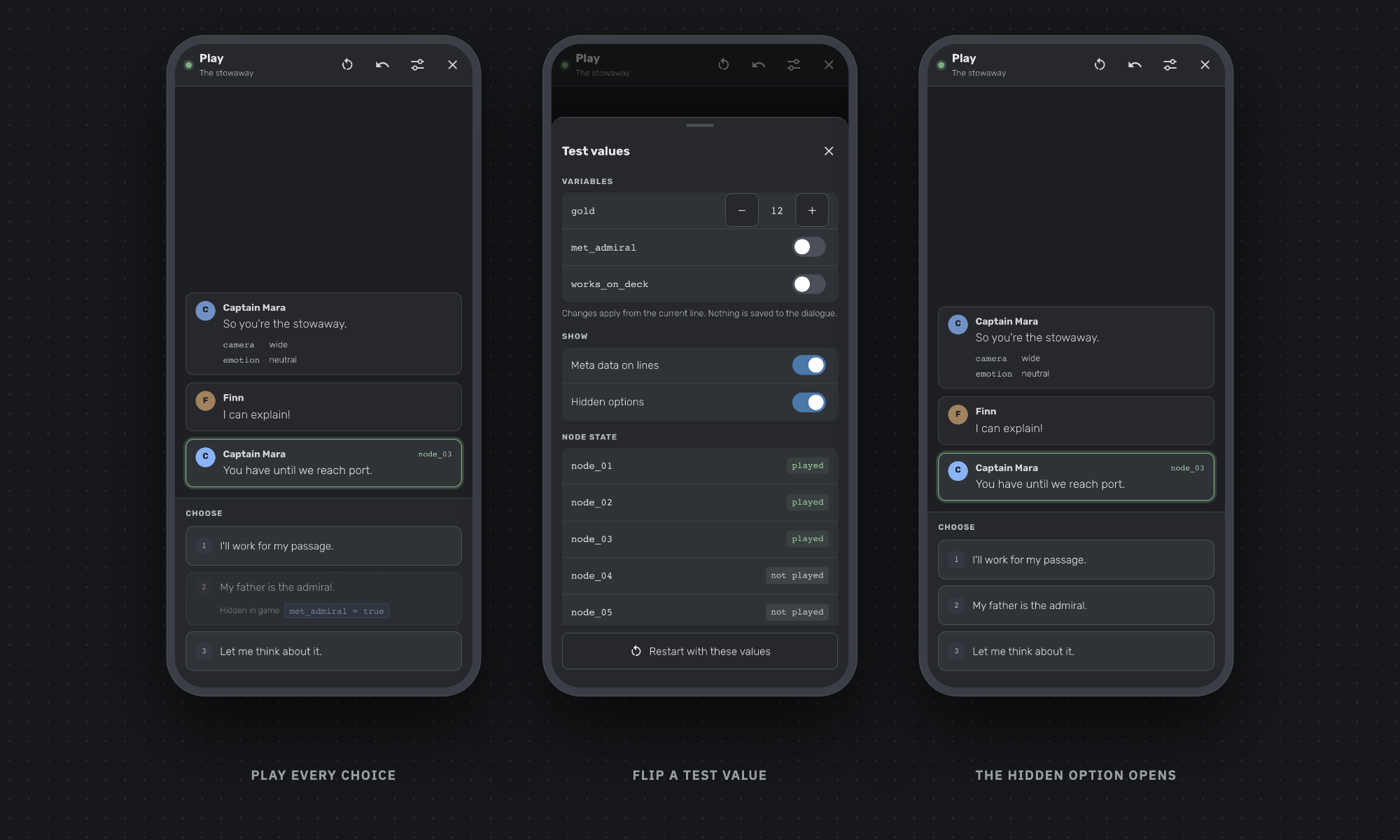
Tap Play from start, or tap a node and play from it. The current line is outlined in green and your choices are big numbered buttons. Options whose conditions aren't met are still there, dashed and marked Hidden in game, so you can follow that branch too. Restart and step back are one tap away.
The sliders button opens Test values: switch booleans, step numbers up and down, and see which nodes were played and which options were picked. Then tap Restart with these values. Nothing you change here is saved to the dialogue.
View only, on purpose
The phone viewer reads and plays your dialogues. It has no editing tools at all, so a stray tap can't move a node or change a line. When you want to edit, open LoreHub on a computer, where the Builder is exactly as before.
Try it
The phone viewer is on every plan. Open LoreHub on your phone, go to a game, and pick a dialogue. If something reads oddly on your screen, tell us on Discord or Reddit.